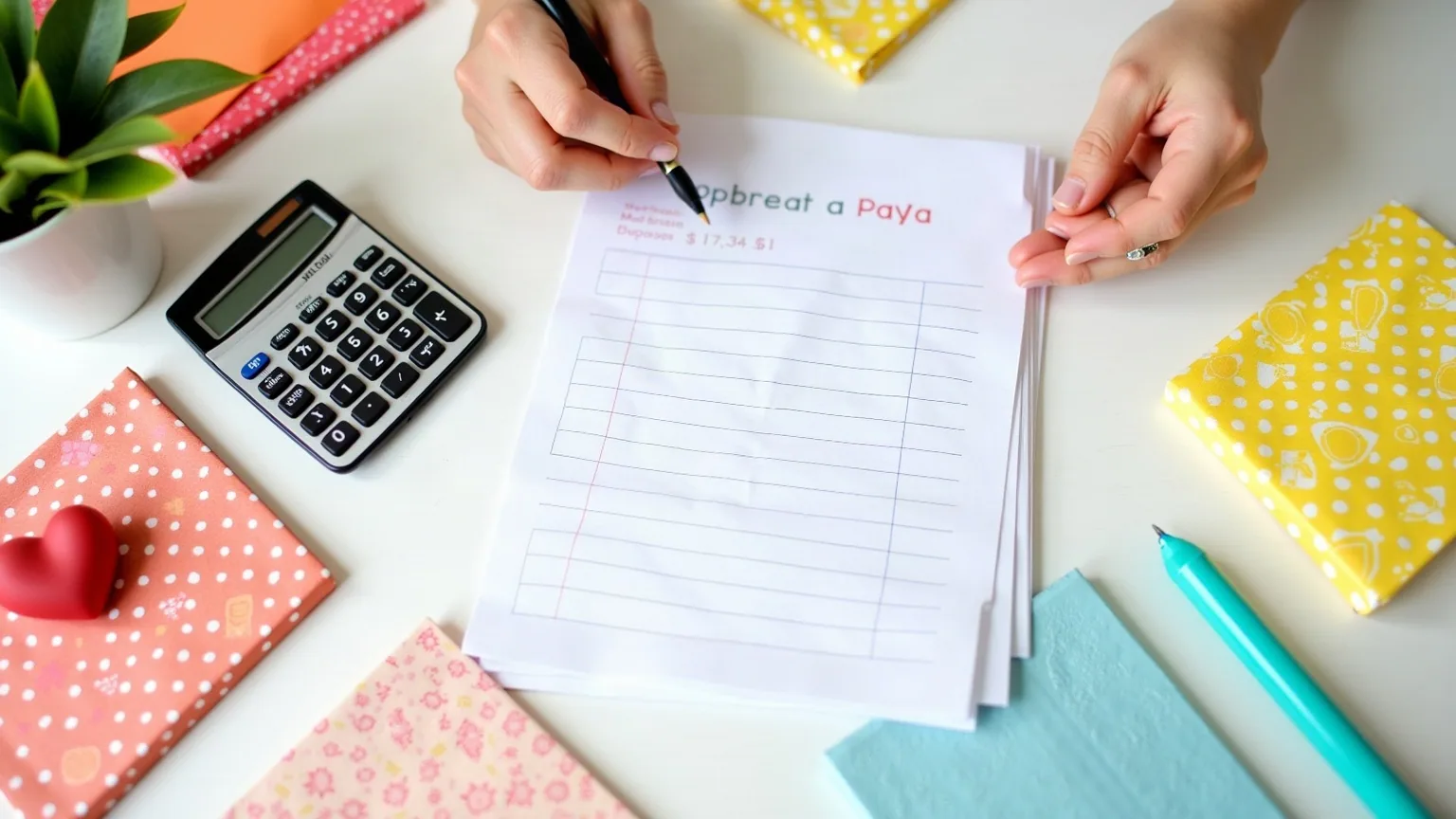
Download the Open the party budget planner. It includes a ready-to-use expense list, automatic totals, tracking for outstanding payments, and an overall spending ceiling. You can open the Excel file in any compatible spreadsheet software; just check formulas after importing it into another app.
No sign-up required. The template is a blank planning tool rather than a live price guide. It uses your own numbers and works for birthdays, garden parties, baby showers, and other private celebrations.
What's included in the spreadsheet?
| Field | Enter or view | Why it matters |
|---|---|---|
| Category and expense | Enter the item or supplier | Prevents forgetting smaller costs |
| Planned | Your early allowance | The baseline you want to stay within |
| Confirmed price | Actual quote or agreed total | Shows a commitment even when only a deposit is paid |
| Paid so far | Money already transferred | Tracks cash already spent |
| Confirmed balance due | Calculated automatically | Prevents treating a deposit as the full cost |
| Final forecast | Calculated from confirmed cost or best available estimate | Shows the likely final total |
| Difference to plan | Calculated automatically | Negative values show projected overspend on an item |
| Pay-by date and notes | Enter manually | Keeps deadlines, refund conditions and contact details together |
The workbook also includes a Summary page tracking your spending ceiling, projected total, paid-to-date total, and remaining headroom. The summary is only ever as accurate as the entries you maintain.
How to start: five minutes
- Open the Budget tab and replace the starter expense descriptions with your own. Add new supplier details into the appropriate row. Don't overwrite the formula columns.
- Enter your planned allowance for each category before obtaining quotes. You can leave unknown prices blank.
- When a supplier confirms a price, enter it in Confirmed price, even if you have paid only a small deposit.
- Enter each payment in Paid so far as the running total paid for that item, not the individual latest payment. If you've paid £30 and then £20, enter £50—not £20.
- Go to Summary, enter the maximum you can comfortably spend and review the projected total and headroom.
All money columns use the same currency. The template is currency-neutral and displays two decimal places—if your prices are in dollars, stick with dollars throughout. Don't mix currencies without converting them separately first using a current exchange rate.
Worked example: why deposits matter
Suppose you hire a room for a birthday party:
| Room hire | Amount |
|---|---|
| Original planned allowance | £160 |
| Venue's agreed total | £190 |
| Deposit already paid | £50 |
| Still due to venue | £140 |
| Forecast overspend against plan | £30 |
The important calculations are:
- Still due: £190 confirmed − £50 paid = £140.
- Forecast difference: £160 planned − £190 expected = −£30.
- What you owe is not the same as what you've spent. The £140 is still due even though the payment history currently shows only £50.
If you only recorded the £50 deposit as a cost, you'd underestimate the final party total by £140. That blind spot is exactly what this spreadsheet is designed to prevent.
Worked example: a full £500 ceiling
This illustrative event is for 25 guests. The figures are planning assumptions rather than quotes from suppliers.
| Category | Original allowance | Expected final cost |
|---|---|---|
| Room | £140 | £160 |
| Food | £130 | £125 |
| Drinks | £60 | £55 |
| Cake | £45 | £45 |
| Supplies and decorations | £40 | £35 |
| Entertainment | £35 | £40 |
| Total | £450 | £460 |
The approved spending ceiling is £500, leaving £40 of headroom against the current forecast. Initial planned items total £450, meaning the original cushion was £50. The projected overspend compared with those item allowances is £10, which eats into that buffer.
The forecast cost per guest is £460 ÷ 25 = £18.40. That figure helps compare two different event formats, but it doesn't mean adding one more person will cost exactly £18.40. Room hire is largely fixed, whereas catering and supplies scale with headcount. To model that properly, use our cost-per-guest calculator.
The point isn't to spend that remaining £40. Keep it as a buffer for delivery fees, an extra meal, replacement supplies, or last-minute adjustments. Coming in under budget is a win, not money you failed to spend.
How to set a spending ceiling you can trust
Decide on the amount before browsing decorations and entertainment. Only commit money you can comfortably afford, without assuming guests will chip in later. Then:
- List fixed commitments: venue hire, entertainer, equipment and any deposits.
- List guest-dependent expenses: food, drinks, individual supplies or goodie bags.
- Enter delivery and extra fees separately when they aren't included in quotes.
- Keep money unassigned for surprises rather than disguising the reserve as a supplier invoice.
- Check refund and cancellation conditions before making non-refundable payments.
If your projected total exceeds the ceiling, don't just shave numbers off planned allowances on paper to make it fit. Adjust the menu, drop an optional extra, gather real alternative quotes, or scale back the format. A spreadsheet only tracks your decisions—it can't make an expensive plan affordable.
To work out your priorities before setting the figures, take a look at our birthday party budget guide. That guide covers category planning and realistic trade-offs; this page focuses on using the template day to day.
The trap: forecast versus cash spent
Imagine you have:
- £250 of confirmed venue and catering bills;
- £70 already paid in deposits;
- £180 still due.
Your forecast remains £250, not £70 or £430. Adding confirmed bills and deposits separately would double-count what you've paid, while logging only the deposit ignores the balance. The template logs the confirmed price as the full forecast and subtracts what's paid to show what is still owed.
If a supplier quote has not yet been accepted, keep it as a provisional allowance until the price is locked in. When an item has no price at all, leave it blank and make a note to research it. A clean dashboard shouldn't be mistaken for a guarantee that unpriced items cost nothing.
When to update the budget
| Stage | Check |
|---|---|
| Before inviting guests | Set spending ceiling and rough allowances |
| After the first supplier quotes | Replace estimates with genuine confirmed totals |
| Whenever you pay a deposit | Update total paid so far, without changing the confirmed full price |
| When guest count changes | Recalculate catering and supplies; check room capacity |
| Three days before | Verify unpaid balances and any delivery charges |
| After the party | Enter final totals, refunds or unexpected charges |
You can use the guest-list planner alongside the spreadsheet. A party for 30 confirmed guests won't cost the same as a 20-person plan, even if the venue stays identical.
What to do if two people are paying
Agree who is responsible for each bill before booking any suppliers. A shared tracker can note who is paying what, but keep full bank details and sensitive information out of the file. When someone pays an invoice, update the paid amount and store the receipt elsewhere. If both people log the same payment, your totals will quickly go wrong.
The template is meant for planning, not formal bookkeeping or tax records. If you're co-organising an event, designate one person to manage the master copy and agree on how changes get approved. A quick five-minute check-in each week is far more useful than an elaborate spreadsheet that nobody keeps up to date.
Final check before pressing 'book'
- [ ] The guest count and event format justify this purchase.
- [ ] The confirmed total includes relevant taxes, fees and delivery where applicable.
- [ ] Deposit, final balance and due date are recorded separately.
- [ ] Cancellation or refund rules have been read.
- [ ] The projected party total still fits the agreed ceiling.
- [ ] Any new commitment has one owner and one entry in the tracker.
Open the party budget planner and plug in your own numbers. If you just want a quick estimate without managing a file, our online party budget calculator is the faster route.
A sensible budget won't make the party bigger, but it does let you enjoy the day without wondering what surprise bills are lurking next week.